Skip to contentLivingTree

LivingTreeA quiet place to grow, one day at a time.

A private sobriety companion for iPhone. Check in for thirty seconds a day, and a tree grows that is yours alone.

Coming soon toiPhone

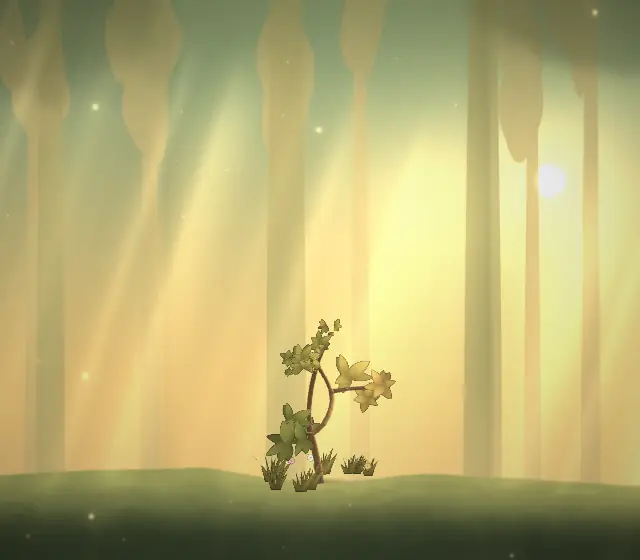
This tree grew just for your visit, in your local light.

How your tree grows

  1. Stage 1 of 6: Day one

    It starts as a seed.

    You plant it the day you begin. No account, no sign-up: a date, a seed and you.

  2. Stage 2 of 6: Week one

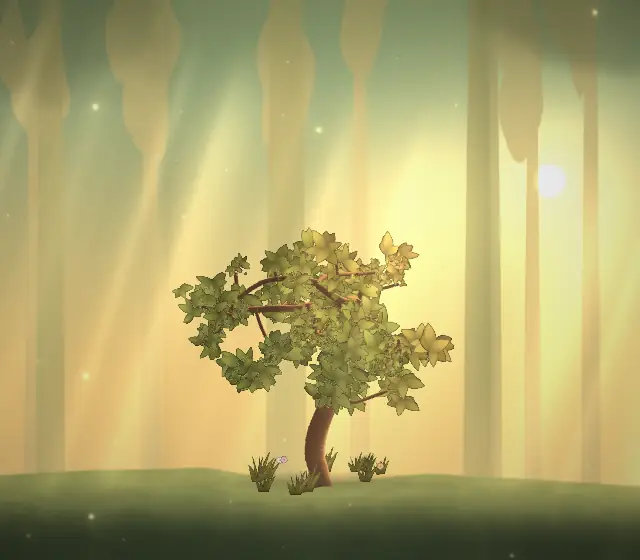
    The first leaves.

    A thirty-second check-in waters it: how you feel, any cravings and what was behind them, and how you looked after yourself.

  3. Stage 3 of 6: Three months

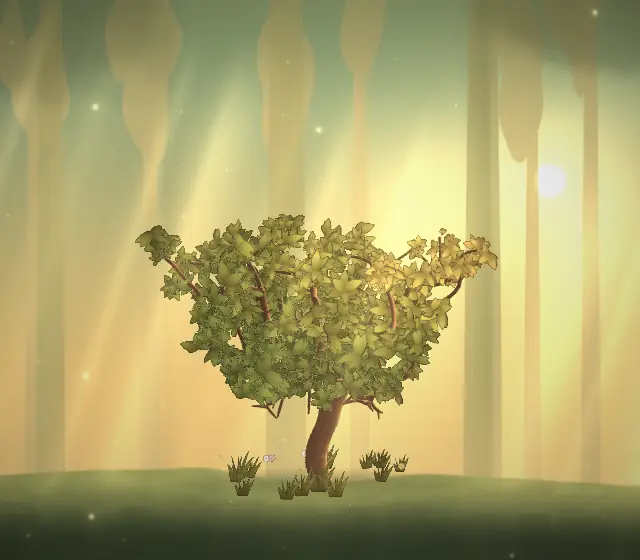
    Branches of your own.

    Writing in your journal, a breathing minute or a walk when a moment gets hard: everything you practise grows roots below the ground.

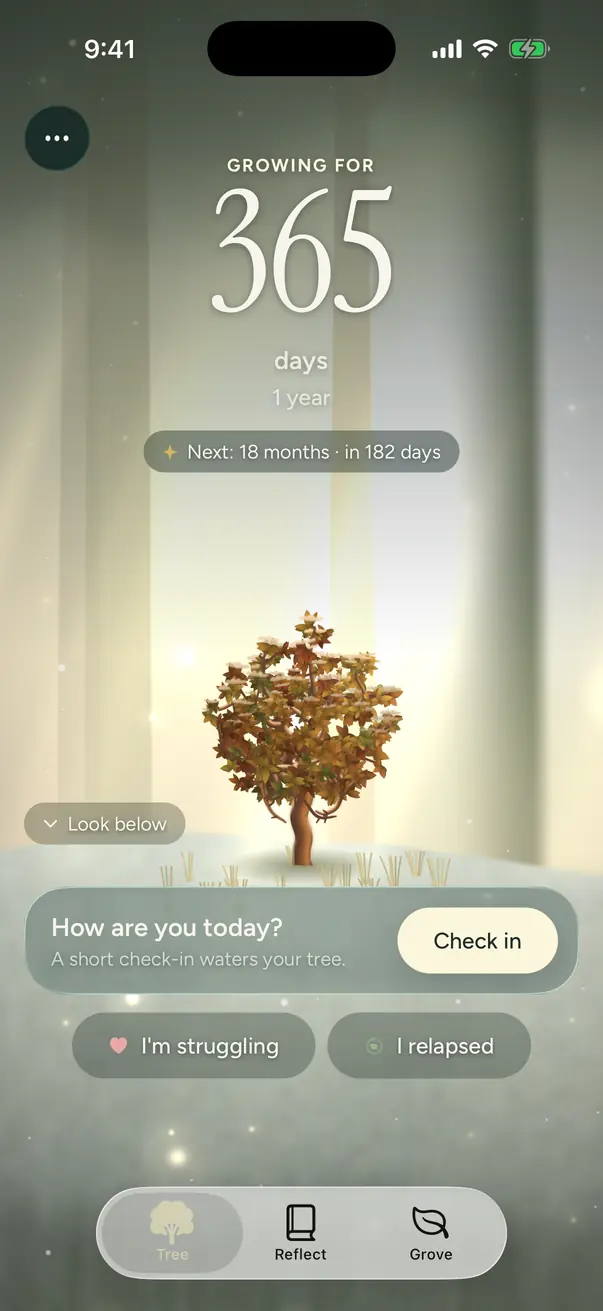
  4. Stage 4 of 6: One year

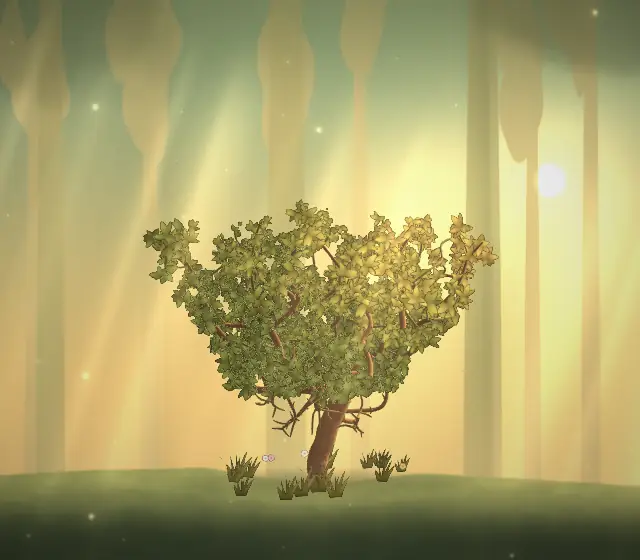
    Shade you made.

    Milestones are marked along the way. Now and then a visitor comes: a bird, a butterfly, a deer grazing at the edge of the glade.

  5. Stage 5 of 6: Five years

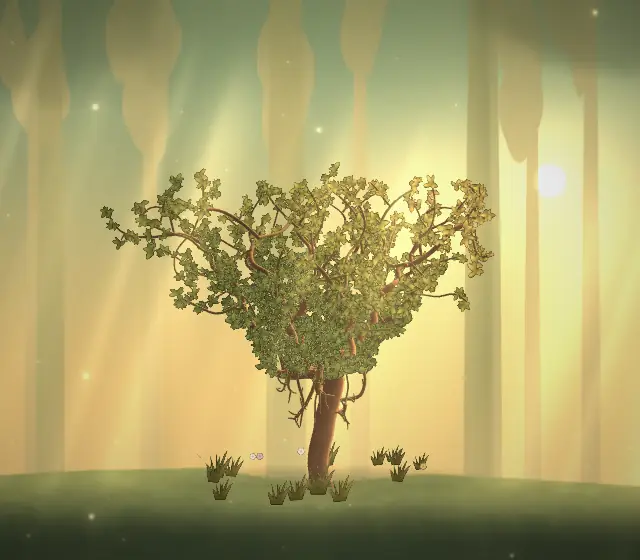
    A grand tree.

    It grows slowly, the way a real tree does. Every day of your journey is in it.

  6. Stage 6 of 6: And beyond

    It keeps growing.

    Taller and broader, year after year. There is no finish line, only more tree.

Never shaming

A relapse never kills your tree.

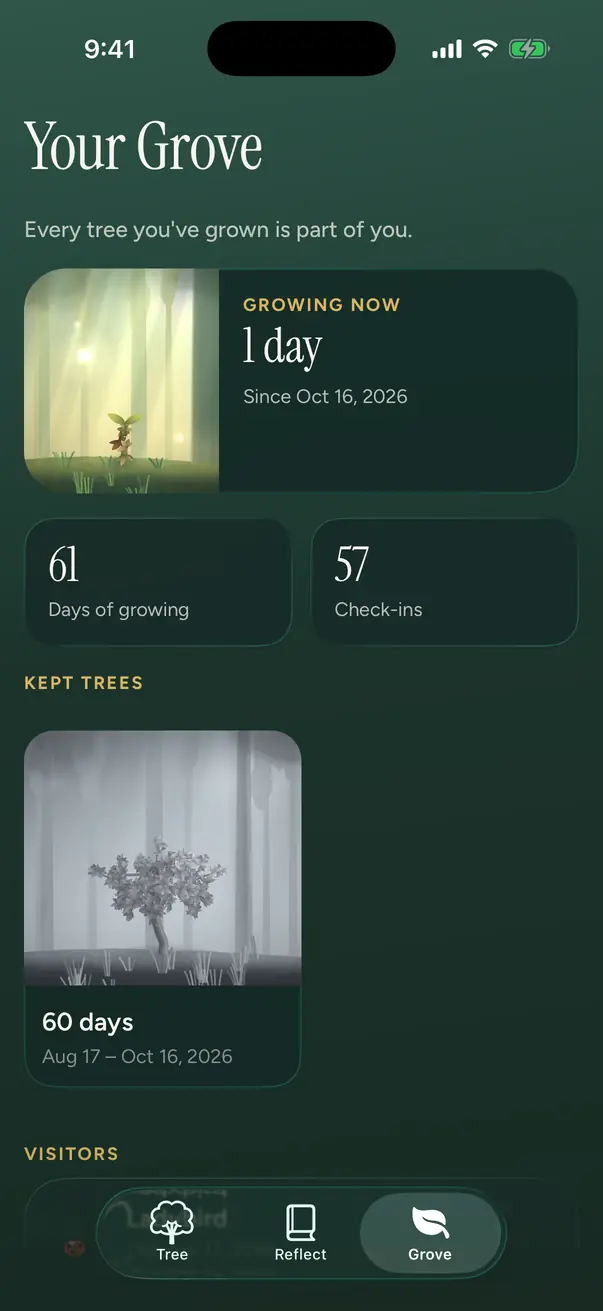
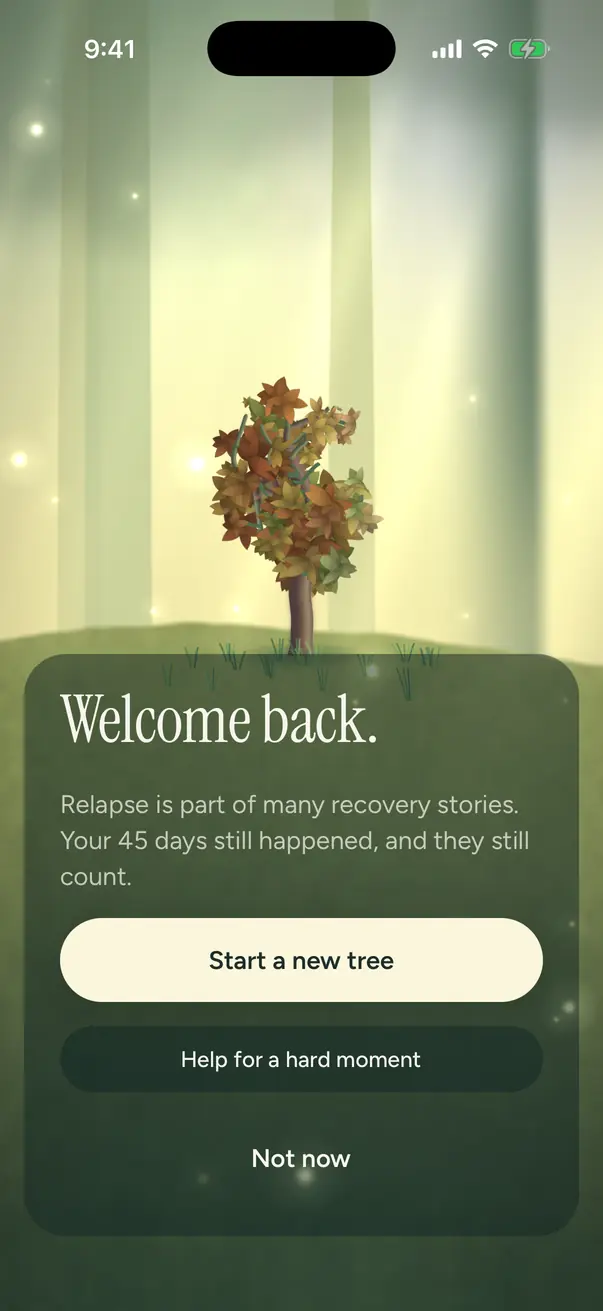
If you relapse, your tree is kept in your Grove, never lost, and you plant again. Your roots stay, and doing something supportive soon after gives the new tree a small head start.

No red. No “streak lost”. No dead trees. The days count honestly, and everything you learned comes with you.

The Grove: the tree growing now, and a kept tree resting in grey, never lost
The relapse flow, which opens gently and offers a next step

Inside the app

A minute a day, and help when you need it.

Check-ins

Plain words for how you feel.

Thirty seconds: how are you feeling? Five faces, Rough, Low, Okay, Good and Great, and if you like, the feelings behind it, from lonely to angry to proud.

Any cravings and what set them off, and how you looked after yourself. Each check-in waters your tree.
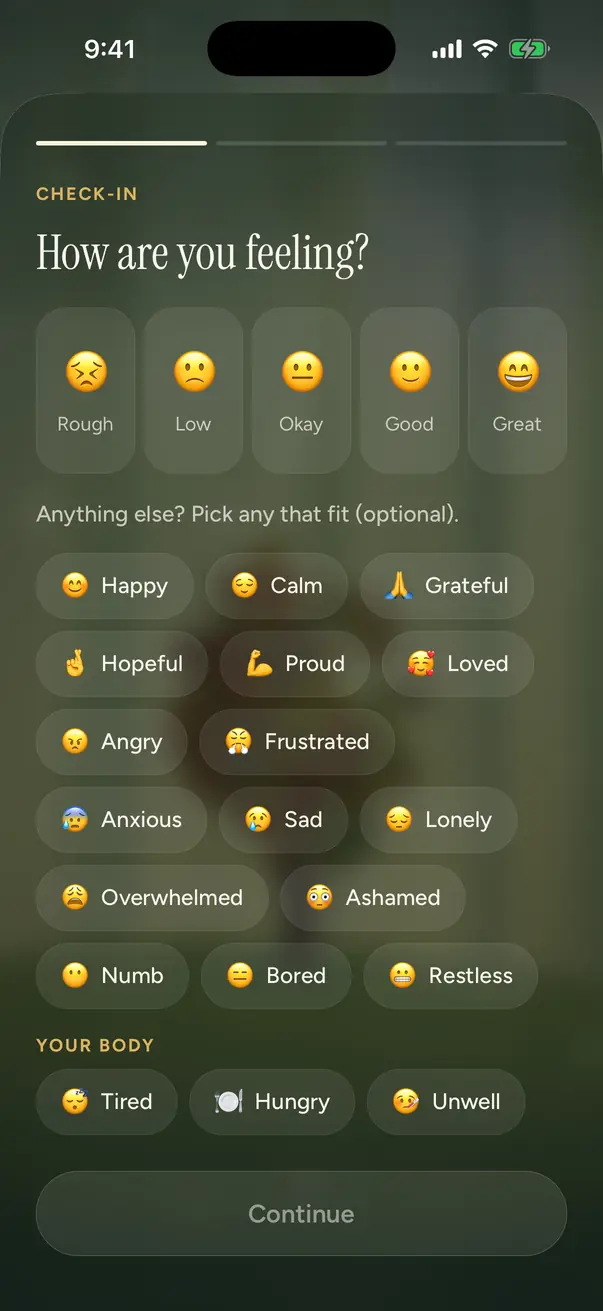
The check-in: How are you feeling? with five faces and optional feelings

Roots

What you practise becomes your foundation.

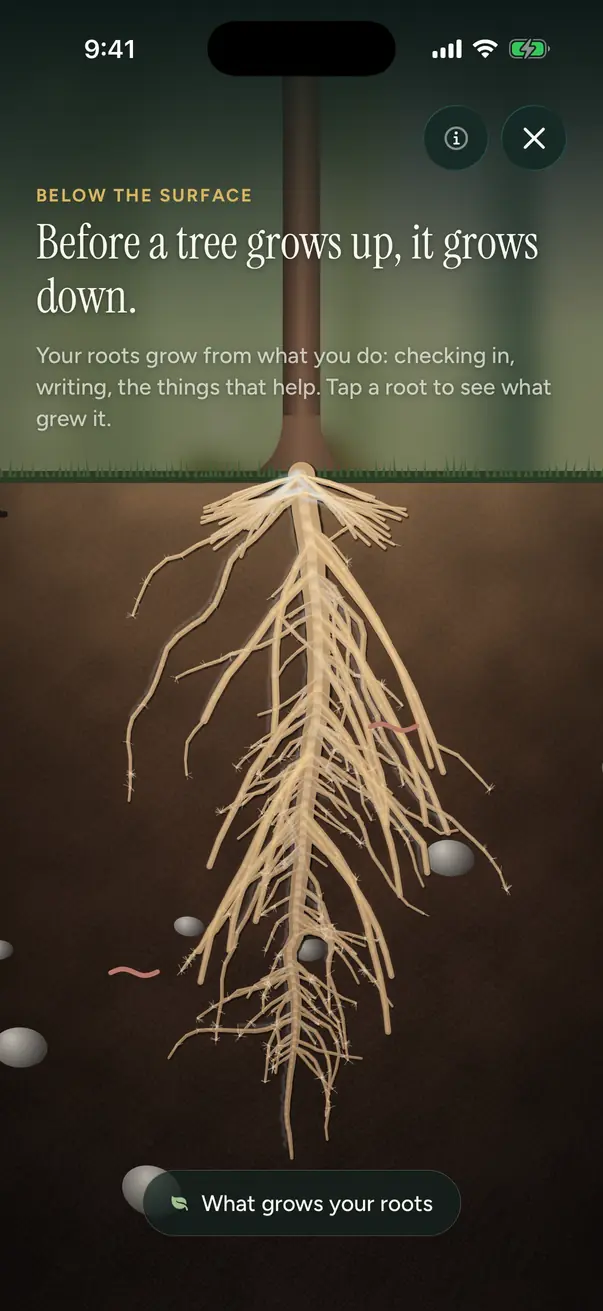
Your tree shows time. Your roots show practice: checking in, writing, doing something for a hard moment and getting through hard days all grow roots below the ground.

Swipe up on the tree to look below, and tap a root to see what grew it.

The roots below the tree, with a legend naming what grew each kind

When it gets hard

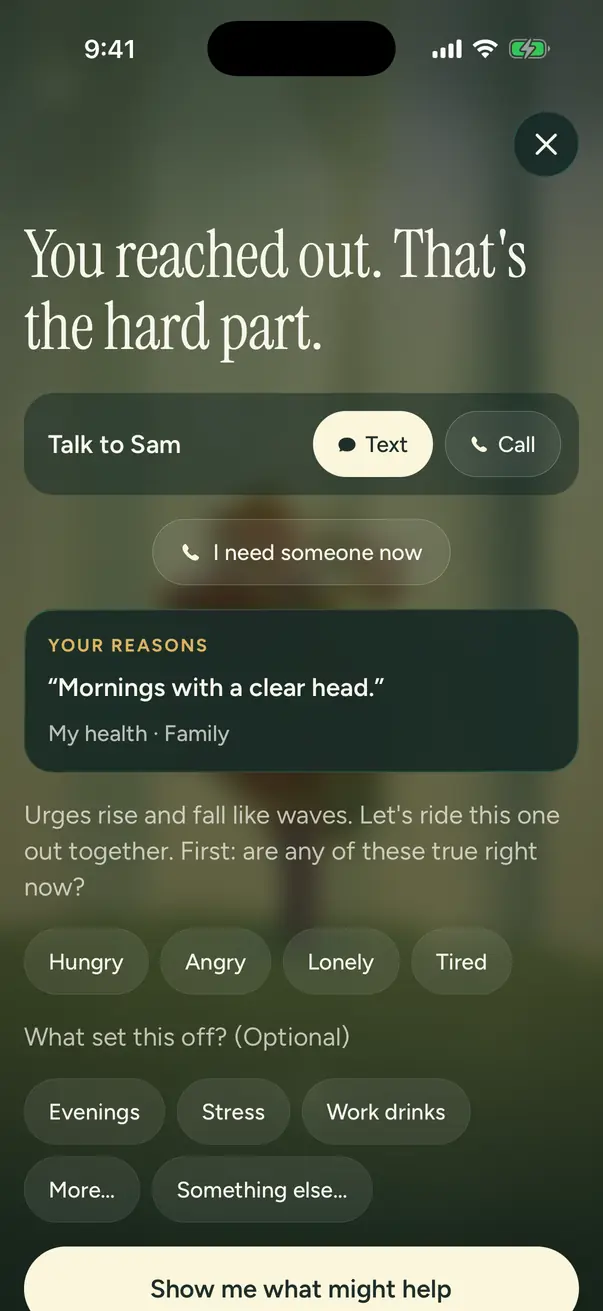
“I’m struggling” is one tap away.

The person you trust comes first, if you have added one. Then something that might help right now: a guided breathing minute, a short walk, writing it down.

Crisis lines wait behind “I need someone now”, there whenever you need them, and never behind a paywall.

I’m struggling: the trusted contact first, then “I need someone now”, your reasons and what might help
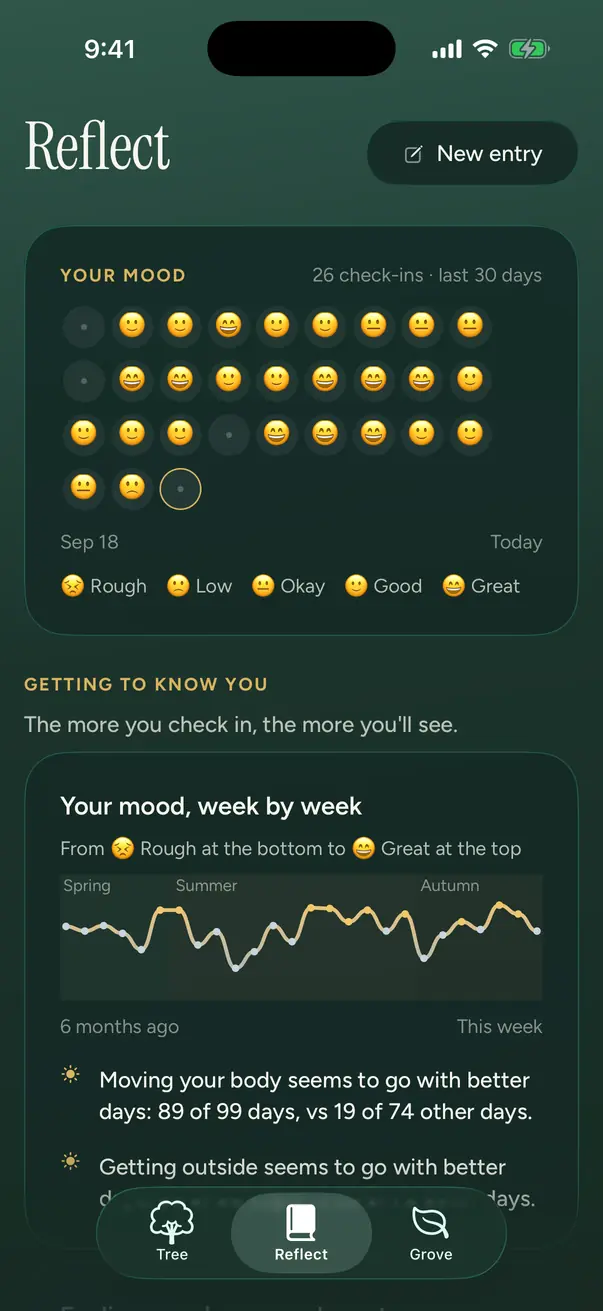
Reflect: mood over time and the feelings you name most

Insights that grow with you

The more you check in, the more you’ll see: your mood over time, the feelings you name, when they tend to show up and what tends to help.

Visitors

Now and then something comes to visit your tree: a bird, a butterfly, a deer grazing at the edge of the glade. It stays the day and is gone by morning.

The tree in winter, autumn leaves under a dusting of snow

Evergreen, even in winter

Your tree keeps its leaves all year. Autumn’s colour carries into winter, and snow settles on the crown.

Privacy, in plain words

What you write never leaves your phone.

There is no account and no sign-up. We run no servers that hold your data, because we have none. Everything lives on your iPhone, and you can lock the app with Face ID.

Stays on your phone

  • Your journal
  • Check-ins, moods and feelings
  • Cravings and what set them off
  • Your reasons, your why and your trusted contact
  • Cycle tracking, if you use it
  • Your tree, your roots and your Grove

Backups are yours too. Save an encrypted backup file whenever you like, locked with a passphrase, to wherever you choose, such as iCloud Drive. Nobody else can open it.

Exactly what does leave it

Apple
Handles purchases and subscriptions through your Apple account, as with any App Store app.
RevenueCat
Checks whether you have subscribed: an anonymous ID and your purchase records. No name, no email.
PostHog
Crash reports, so we can fix bugs: the error, the app version, your device model and iOS version, with an anonymous ID. You can turn this off in Settings.

None of them ever receives anything you write. No ads, no tracking, nothing sold. Read the privacy policy.

Pricing

One price unlocks everything.

No features held back and no free trial. Crisis lines are always free to reach, paid or not.

Monthly

$3.99a month

Cancel any time

In the App Store: $4.99 a month

Yearly

$23.99a year

About $2 a month

In the App Store: $29.99 a year

Lifetime

$74.99once

One payment, yours to keep

In the App Store: $93.99 once

Subscribe on the web

Pay with Apple Pay or a card. Afterwards you get a link that unlocks LivingTree on your iPhone, still with no account. The same plans in the App Store cost more ($4.99, $29.99 and $93.99) because Apple’s fee is higher. Same app either way.

Opens at launch

Monthly and yearly plans renew automatically until you cancel. Cancel App Store subscriptions in your iPhone’s Settings (your name, then Subscriptions); cancel a web subscription from the link in your receipt email. Lifetime is a single payment. Prices in US dollars.

Questions

Good to know.

Something else? Ask us.

Is LivingTree medical care?
No. LivingTree is a self-care companion, not medical care. It doesn’t diagnose, treat or replace professional help. Stopping alcohol or some drugs suddenly after heavy or daily use can cause serious withdrawal, so please talk to a doctor or call SAMHSA’s National Helpline (1-800-662-4357) about stopping safely. If you’re in crisis, call or text 988 (US) or your local emergency number.
What happens to my data?
Everything you write stays on your iPhone: there is no account and nothing you write is ever sent to us or anyone else. The only things that leave the phone are purchase records (Apple and RevenueCat) and crash reports (PostHog), which you can switch off. The privacy policy has the details.
What if I lose my phone or delete the app?
Because your data lives only on your phone, deleting the app deletes it too. Save an encrypted backup from Settings, Backup, to somewhere safe such as iCloud Drive, and you can restore it on a new phone with your passphrase. Your iPhone’s own backup includes it as well.
What if I relapse?
Your tree is kept in your Grove, never lost, and a new one starts. Your roots carry over, and doing something supportive soon after gives the new tree a small head start. The app never shames you.
Is it only for alcohol?
No. You choose what you are stepping back from: alcohol, cannabis, nicotine or vaping, other substances, social media, gambling or something else. It sits alongside whatever else helps you, such as a program, a sponsor or therapy.
How do I cancel?
App Store subscriptions: open Settings on your iPhone, tap your name, then Subscriptions. Web subscriptions: use the link in your receipt email. You keep access until the end of the period you paid for. Lifetime is a single payment with nothing to cancel.